
Krowdwing features
Watch, create, and share in one feed
Reels, feed posts, and image posts sit side by side, with themes that help creators shape promotions for local brands.
Media types
Reels, feed updates, and photo posts
Watch
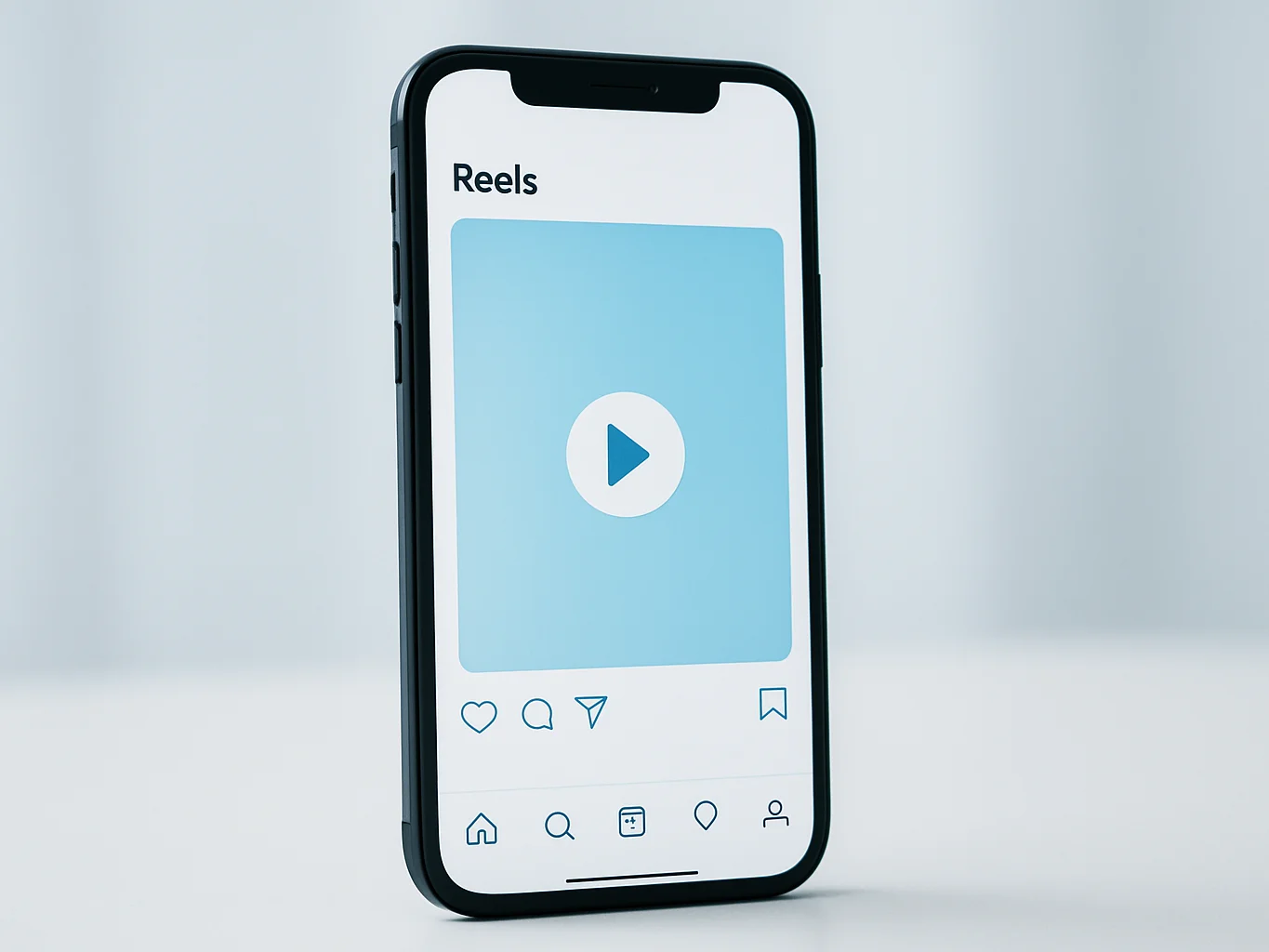
Endless reels with simple navigation
Swipe through reels with crisp playback and clear controls. Viewers can move from one clip to the next without digging through menus.
Publish
Feed updates with captions
Creators post continuous feed updates with captions that describe the work. Each update lives on the creator's profile for followers to return to.
Share
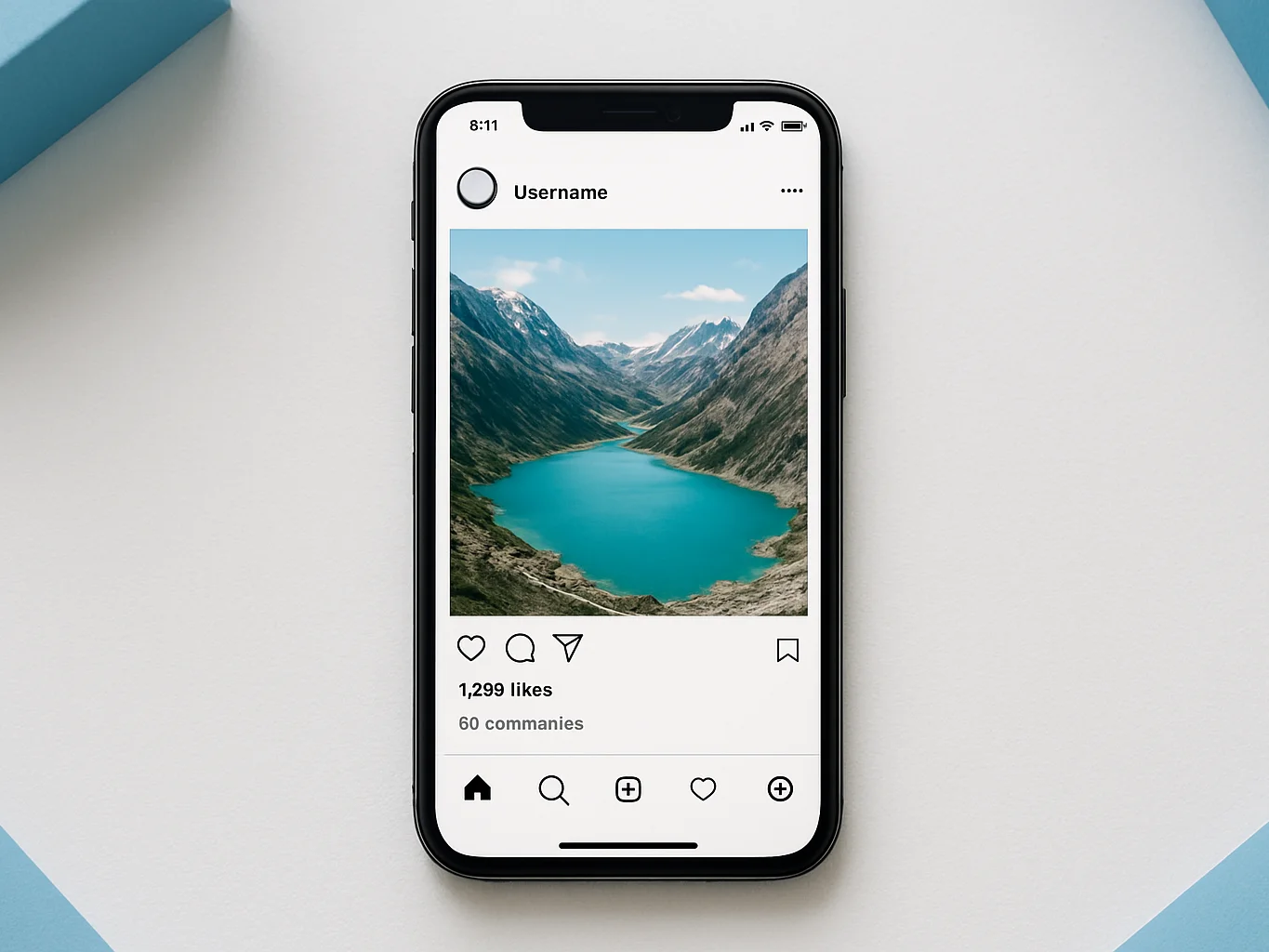
Single image posts
Upload a single image post with a short caption. Photos sit cleanly in the feed, making product shots and everyday moments easy to share.
Ad themes
Build a post or feed from a theme
01
Choose a theme
Browse the Themes page and pick a layout suited to the kind of shop or brand being promoted.
02
Add the brand's details
Fill in the offer, imagery, and wording the local business has provided, arranged within the theme's structure.
03
Publish to your profile
Share the finished post or feed on your creator profile, where viewers can like, comment, and view it.
Reactions
Respond to every post
Viewers can react to posts in the ways that suit them.
Likes
Tap to like a reel, feed post, or image so creators can see what resonates.
Comments and compliments
Leave a written comment or send a compliment to share specific feedback with the creator.
Views
Each post shows how many people have viewed it, giving creators a simple read on reach.